
Almost three months after its announcement, Google has started rolling out Theft Detection Lock, a brand-new security feature powered by Google’s AI suite. Google claims that this theft detection feature utilizes the gyroscope and accelerometer on your Android device to detect when the device has been snatched by someone else. Once detected, the device would instantly lock, securing your data and making it impossible for the thief to access anything.
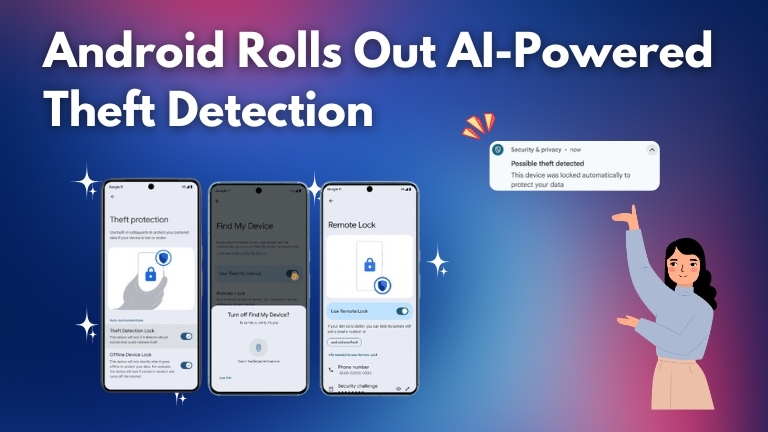
While there is no official statement on this yet, reports suggest that the feature has begun rolling out for some Android users in Brussels. As usual, Theft Detection Lock will first be available on Google’s Pixel lineup, and we may see it released through a Play Store update on other devices as well.
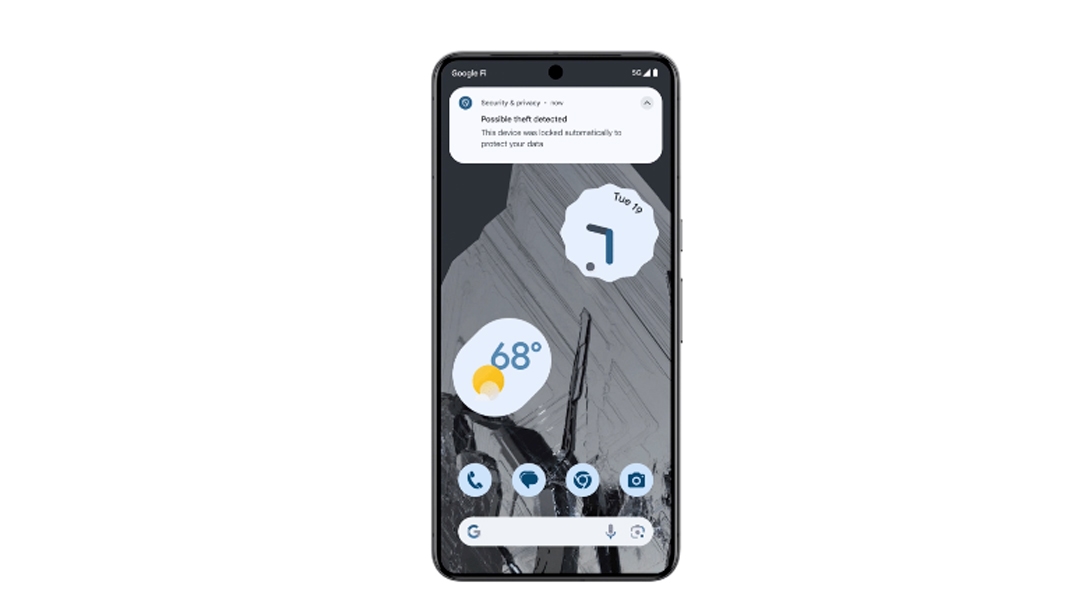
According to Google, this feature underscores the importance of your device and the data stored on it. Therefore, Google has introduced an additional layer of protection in Android 15, including this new motion-based detection system. This system allows the device to learn your typical motion patterns and act when a deviation is detected. As always, Google claims to have leveraged the AI power to make this possible. It does so by quickly learning patterns and taking immediate decisions to lock the device.
In addition, Google has also integrated an option that makes it difficult to factory reset a device once it has been stolen. While you need to set up this feature, once enabled, it will be challenging for a thief to reset your device and resell it.
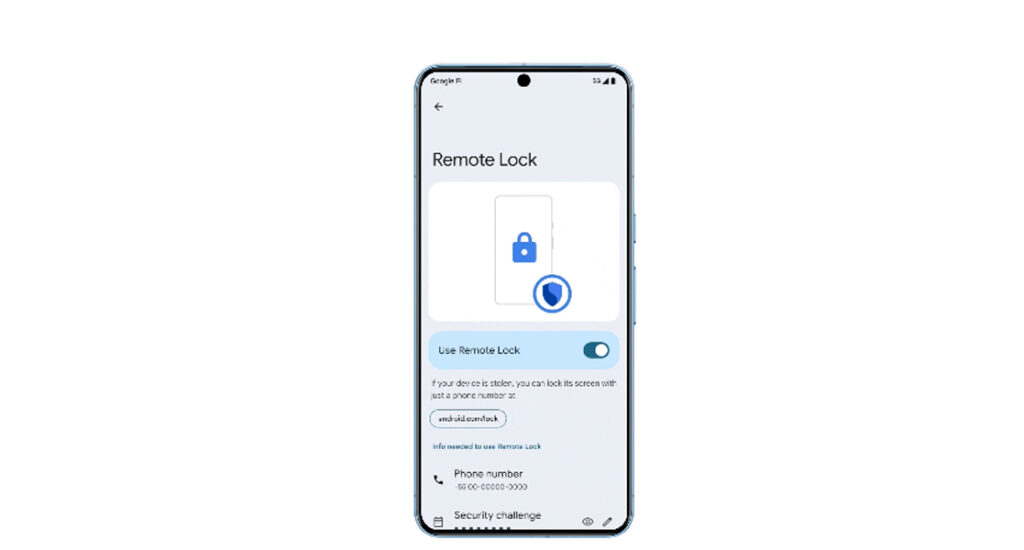
Android 15 also introduces some features like better integration with the Find My Device network, automatic lock on entering the wrong PIN, Remote Lock, and the option to trigger a lock if the device is offline. Many of these are made possible through the Find My Device network, which Android has been building on to compete with Apple.
It needs to be seen how these features work in real-time, especially considering the wreck Google has had with its AI features recently. Yet, one can be assured that Theft Detection Lock will be multiple times more useful than the basic anti-theft feature set on Android.
Cite this page
Namase, R. (2025, August 4). Android Starts Rolling Out Theft Detection, Powered by AI. TechKV. https://techkv.com/android-theft-detection-powered-by-ai/
Namase, Rajesh. “Android Starts Rolling Out Theft Detection, Powered by AI.” TechKV, 4 Aug. 2025, https://techkv.com/android-theft-detection-powered-by-ai/.
Namase, Rajesh. “Android Starts Rolling Out Theft Detection, Powered by AI.” TechKV, Last modified August 4, 2025. https://techkv.com/android-theft-detection-powered-by-ai/.
Source: <a href="https://techkv.com/android-theft-detection-powered-by-ai/">Android Starts Rolling Out Theft Detection, Powered by AI</a>, TechKV


1 reader comment open for replies
I’ll def get an Android phone as my 2nd phone because of this new feature..